With the release of iOS 7, some cydia tweaks has been made to make your iOS 6 devices to look like it's running iOS 7. Of course you can't replicate the core function of iOS 7, but at least you can show it off to your friends :p


So here is the tutorial on transforming your iOS 6 to iOS 7.
iOS 7 Preview
So here is the tutorial on transforming your iOS 6 to iOS 7.
- You must have Winterboard installed on your iPhone/iPad/iPod Touch. If you haven't got it, install it from cydia.
- Download these .deb cydia packages files:
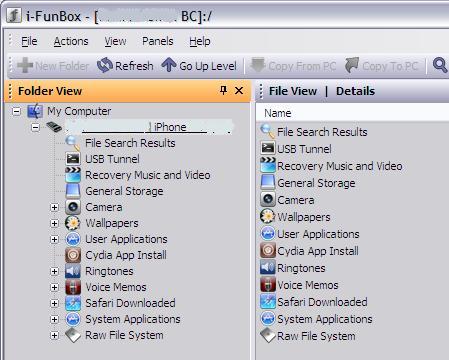
- Install it to your iPhone/iPad/iPod Touch. If you don't know how, see this post: Install .deb Files (Cydia Packages) Using iFunbox.
- Activate the themes through Winterboard.
- Enable NCSettings in Setting - Notifications.
- Enable Trans Keyboard iOS 7 through Setting - Color Keyboard.
- Enable Roboto Light Font in BytaFont.
- Open Setting - NCColors, set your preferences.
- Open Setting - FolderEnhancer, set your preferences.
- Enjoy your "iOS 7" device ;)



Transform Your iOS 6 Devices to iOS 7! iOS 7 Cydia Theme